3D Camera Tracking | Add 3D Model in Real Footage – After Effects 2026 Tutorials
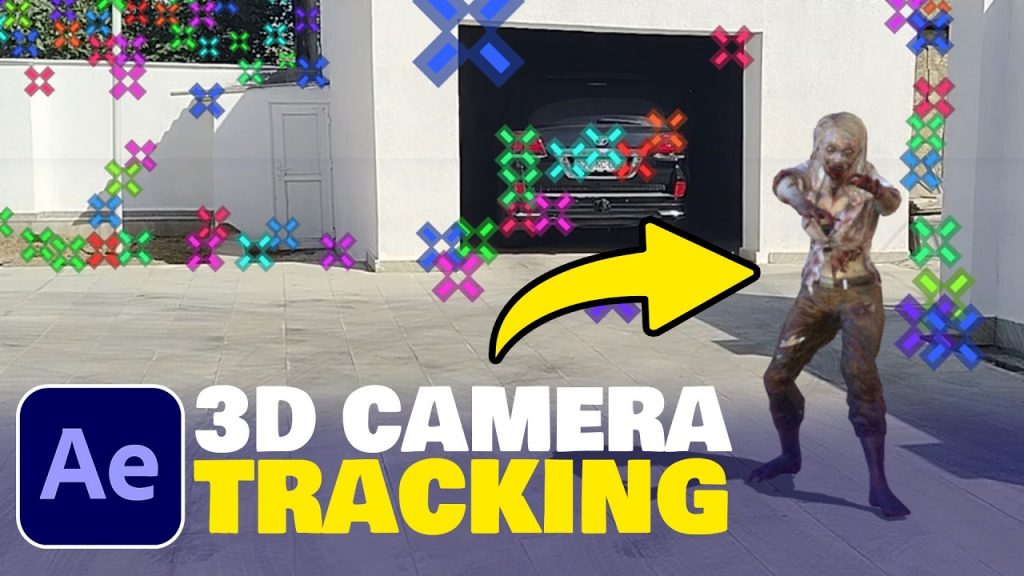
In this video, I will demonstrate 3D camera tracking and how to place a 3D model into real footage. I will walk you through everything step-by-step. First, we will prepare a 3D model and animation in Mixamo; then, using Blender, we will export the model as a GLB file and import it into After Effects. The next step involves scanning the scene for 3D camera tracking. All the VFX steps will be shown.
Download Footage+3D Model ( free )