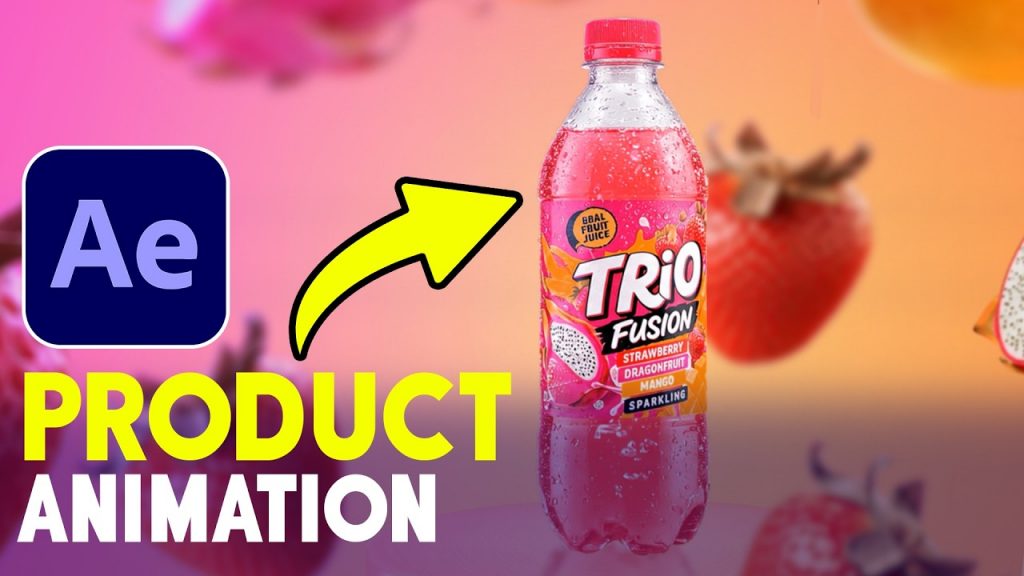
3D Camera – Product Animation in After Effects Tutorials
Download Green Screen Items ( Ready for Animation )
Learn how to build a professional After Effects animation using Vosu AI to generate custom design elements quickly. Create a full motion graphics project from scratch with this step-by-step workflow.
This tutorial demonstrates how to set up your composition in After Effects and integrate Vosu AI for rapid asset generation. Whether you are a motion designer looking to speed up your production or a beginner wanting to understand the design-to-animation pipeline, this walkthrough simplifies the process. We start by creating a new composition at full HD size and then move directly into generating unique assets that bring your creative vision to life.
By following these steps, you will manage a clean After Effects workflow that combines AI-generated designs with traditional animation techniques. Mastering this After Effects animation process saves time on asset creation while keeping your visuals sharp and professional. Using Vosu AI allows for faster iteration, giving you more control over the final look of your motion graphics projects.
Subscribe for weekly motion graphics breakdowns, and comment below what specific animation technique you want to see next.