After Effects FULL 3D Animation Tutorial
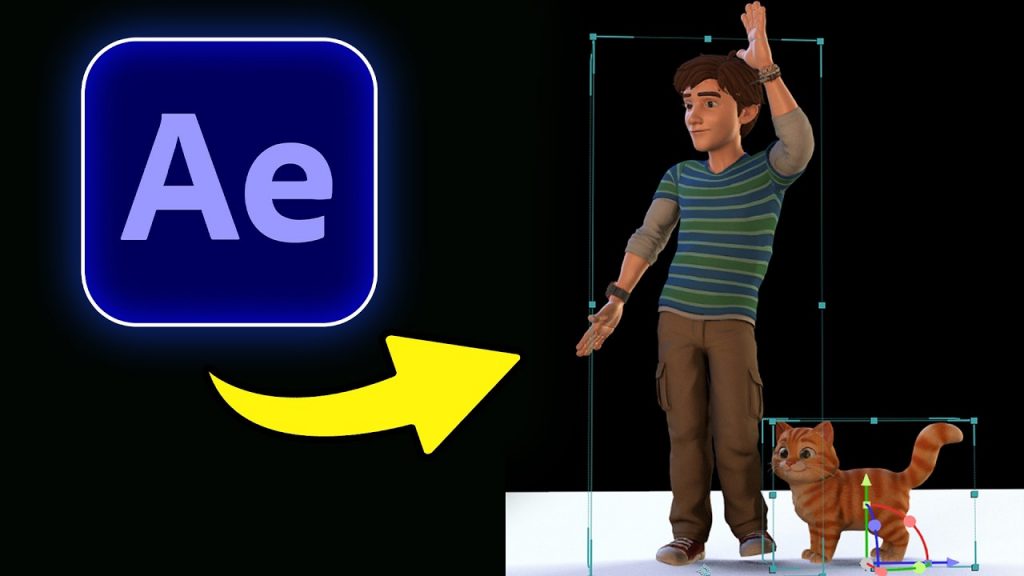
Learn to create After Effects 3D animation by combining Tripo 3D models with the Element 3D plugin for professional results.
This tutorial demonstrates a streamlined After Effects 3D animation workflow perfect for motion designers looking to integrate custom assets. You will see how to leverage Tripo to generate 3D models quickly and bring them into your composition. Whether you are a beginner or looking to refine your technical process, this guide covers the essential steps to get your project moving.
We start by generating assets and setting up a solid layer, then move into applying the Element 3D effect to manipulate your objects within the workspace. By the end of this guide, you will have the knowledge to import and animate custom 3D assets directly inside your After Effects timeline.
Subscribe for weekly motion design breakdowns, and comment below on which software integration you want to see next.